Desk protection
Monitor movement, keyboard or pointer activity, lid state, and wake events while your MacBook is open.
 MacGuard
Made for MacBook
A focused physical-security alarm for the moments you step away. MacGuard reacts locally and can send alerts to your paired iPhone or iPad.
Mac app free · Companion is a one-time App Store purchase · No subscription
Protection that stays alert
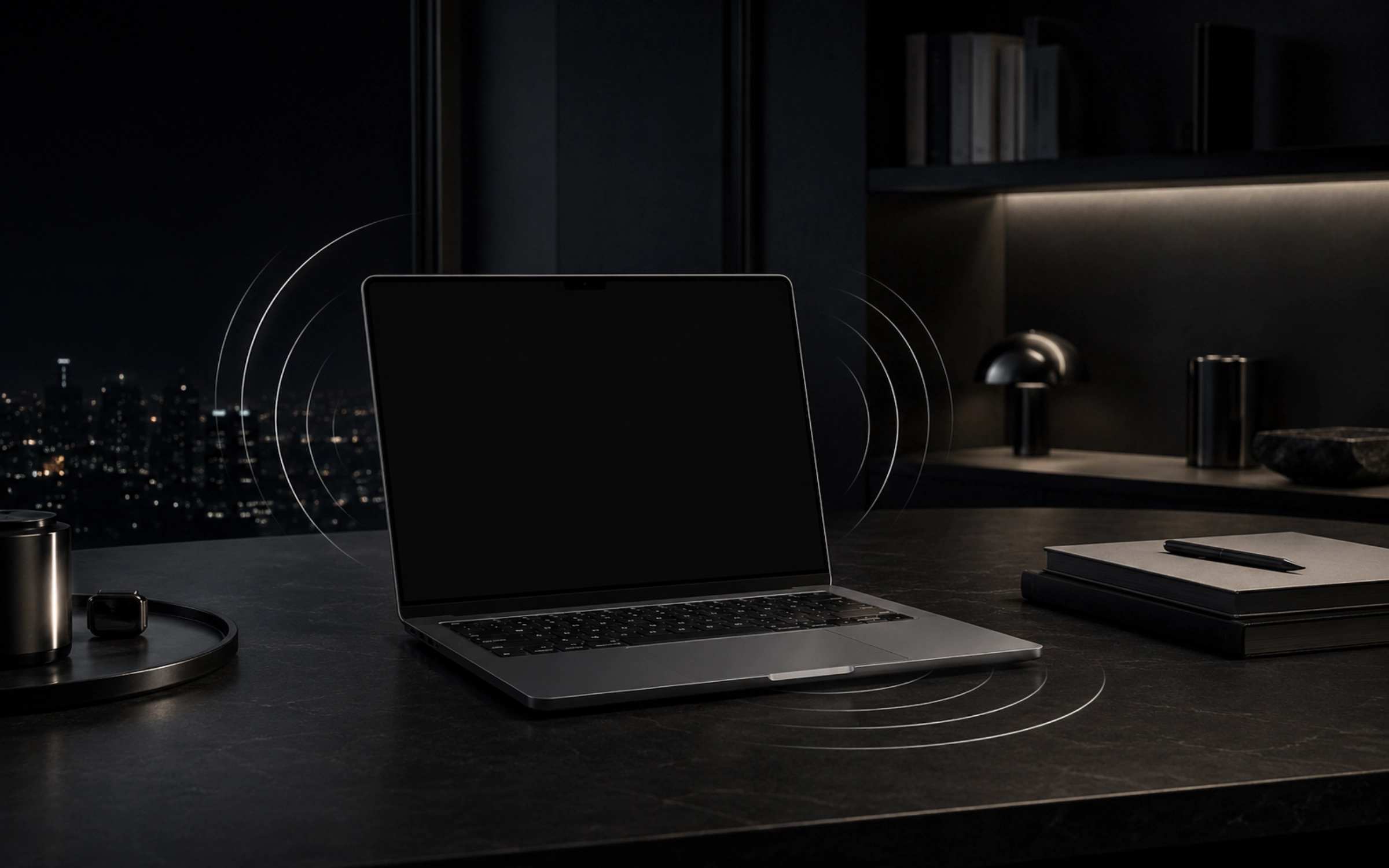
Choose the protections that fit the situation. MacGuard can watch a MacBook on an open desk or guard the next open and wake while it is closed.
Monitor movement, keyboard or pointer activity, lid state, and wake events while your MacBook is open.
After a short grace period, the next lid open or wake triggers protection.
The default-on siren starts on the Mac even if the internet or cloud service is unavailable. A clearly indicated silent mode is available for testing.
One alarm. Two devices.
Choose Desk protection or Closed / Sleep Guard and enable only the triggers you want.
MacGuard watches locally. The Mac alarm does not depend on Firebase or an internet connection.
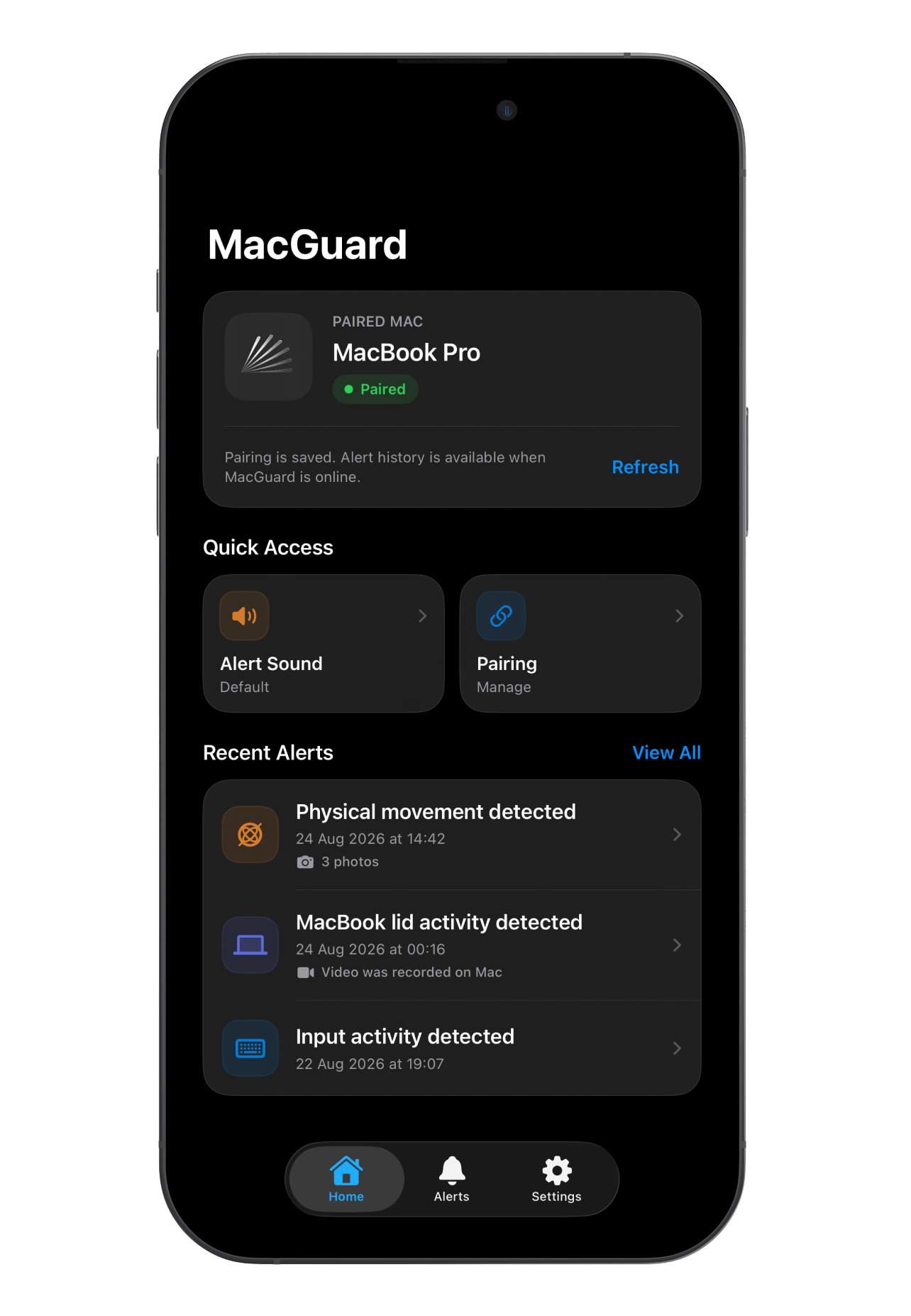
If cloud alerts are enabled, MacGuard can send the reported event toward the paired iPhone or iPad, which can securely request private photo evidence. A sent status does not prove the notification was displayed.
Product preview
The companion view shows the current interface with clearly staged example alert data. Supporting artwork illustrates the Mac and evidence flow.
Arm the Mac, choose the signals you care about, and step away.
Events successfully sent through the paired-device cloud path.
Up to three private JPEG photos, available through authenticated access to the paired companion.
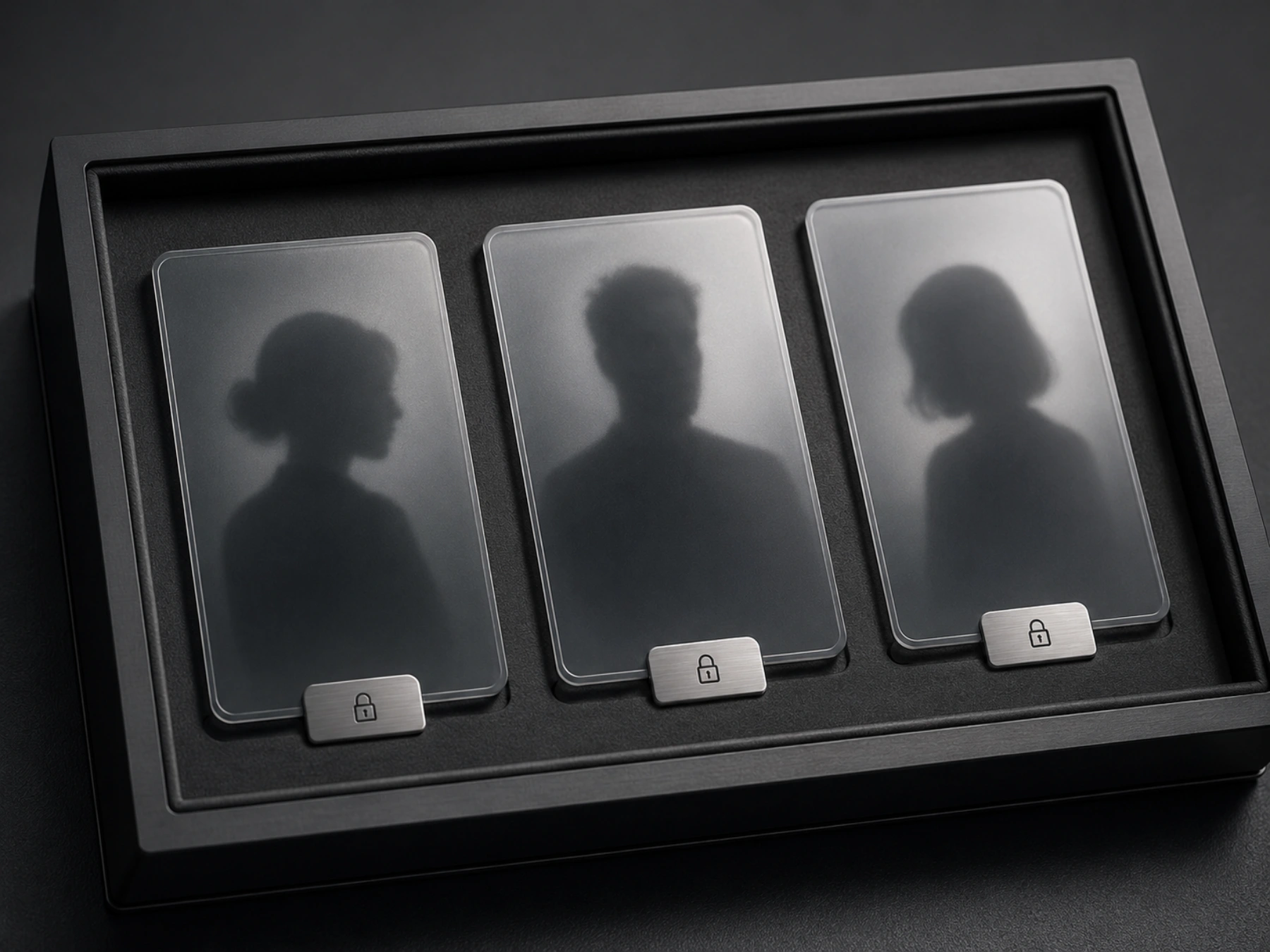
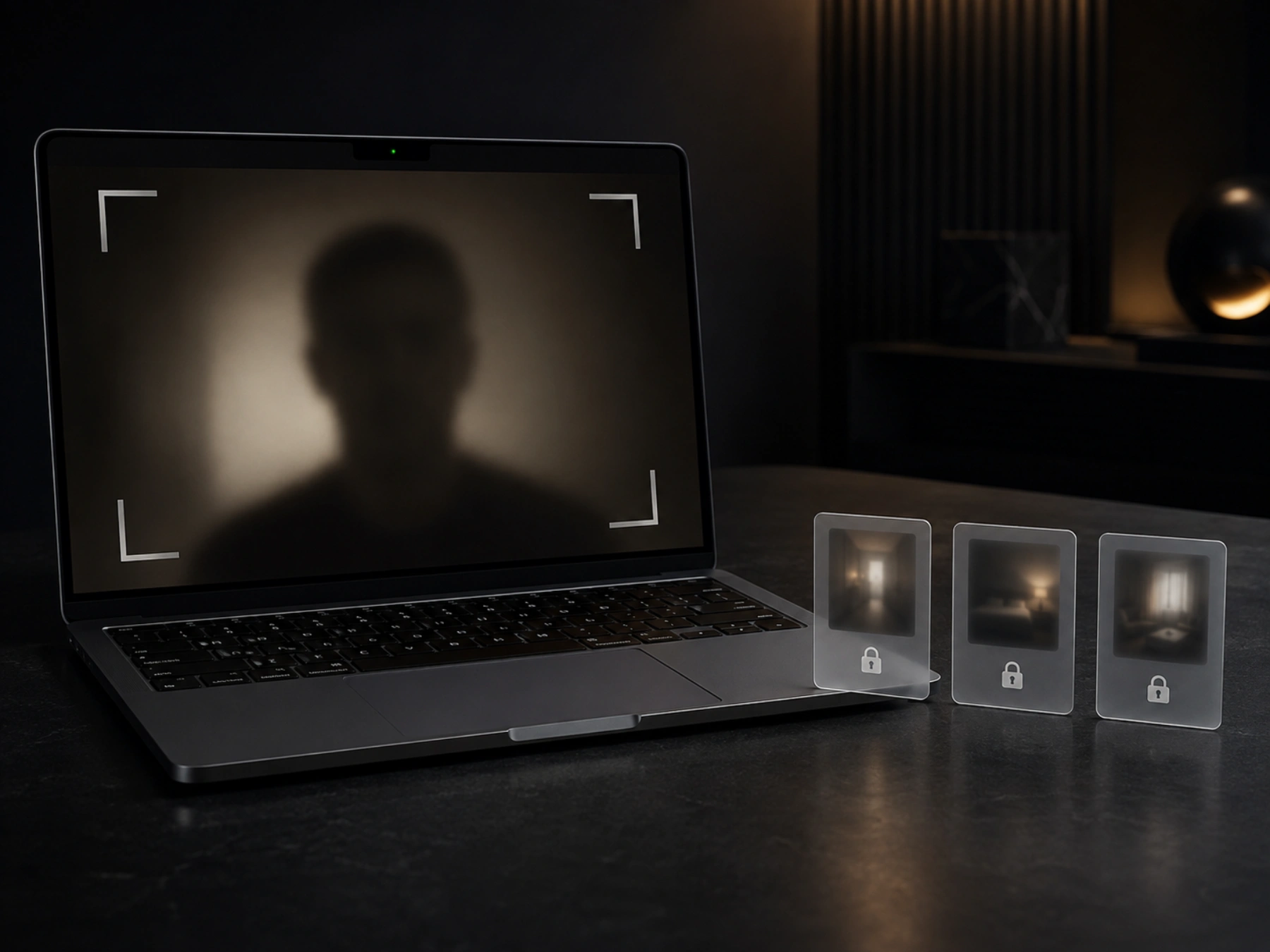
Optional Camera Evidence
When an alarm is active, MacGuard can record a camera-only incident movie for up to about 20 seconds. When successfully recorded, incident video is saved only in MacGuard’s local Application Support folder and is never uploaded. Local retention and deletion settings may later remove it.
Pairing without accounts
MacGuard does not require an account. A one-time QR code or 10-digit pairing code starts the connection, both devices show the same six-digit verification number, and the Mac owner must approve the match.
Read the pairing guide →Verification number
482 731Verified on this Mac
Apple silicon MacBook models can expose different motion and lid sensor channels. After helper authorization, the Mac app shows whether movement, gyroscope, lid-angle, and input protection are available on that Mac. Unsupported sensor protections are turned off while other available protections remain usable.
Privacy is part of the architecture
MacGuard collects only what its security features need. It does not record typed text, collect location, use advertising SDKs, or track you across other companies’ apps and websites.
Read the Privacy Policy
MacGuard 1.0
The Mac app is available free as a Developer ID-signed and Apple-notarized download. The iPhone and iPad companion is available as a one-time App Store purchase, with no subscription. Apple displays the applicable localized price.